Totem — Sprite Sheet Workbench
A downloadable tool for Windows, macOS, and Linux
Totem — Sprite Sheet Workbench
Video in. Sprite sheet out.
Totem turns animation footage into a sprite sheet your engine can use — and the SpriteFrames resource to go with it.
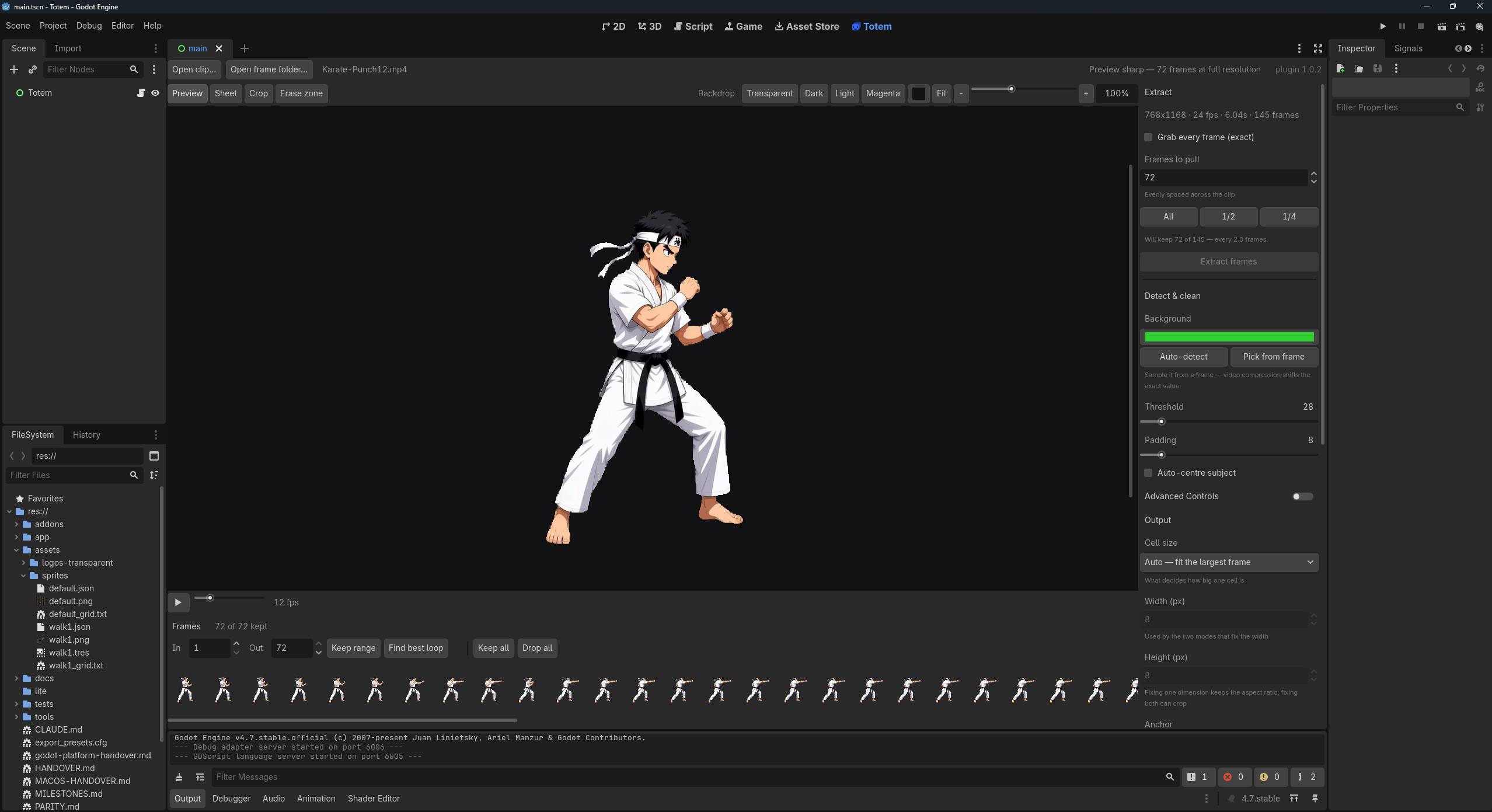
Open a clip or a folder of frames. Remove the background. Pick the frames that loop. Export.
It writes a standard PNG sheet, so it works with any engine. Godot gets a bit more: a ready-made SpriteFrames resource and a plugin that runs inside your project.
Works with any video that has a uniform background.
Frame extraction
- Open a video clip or a folder of frames
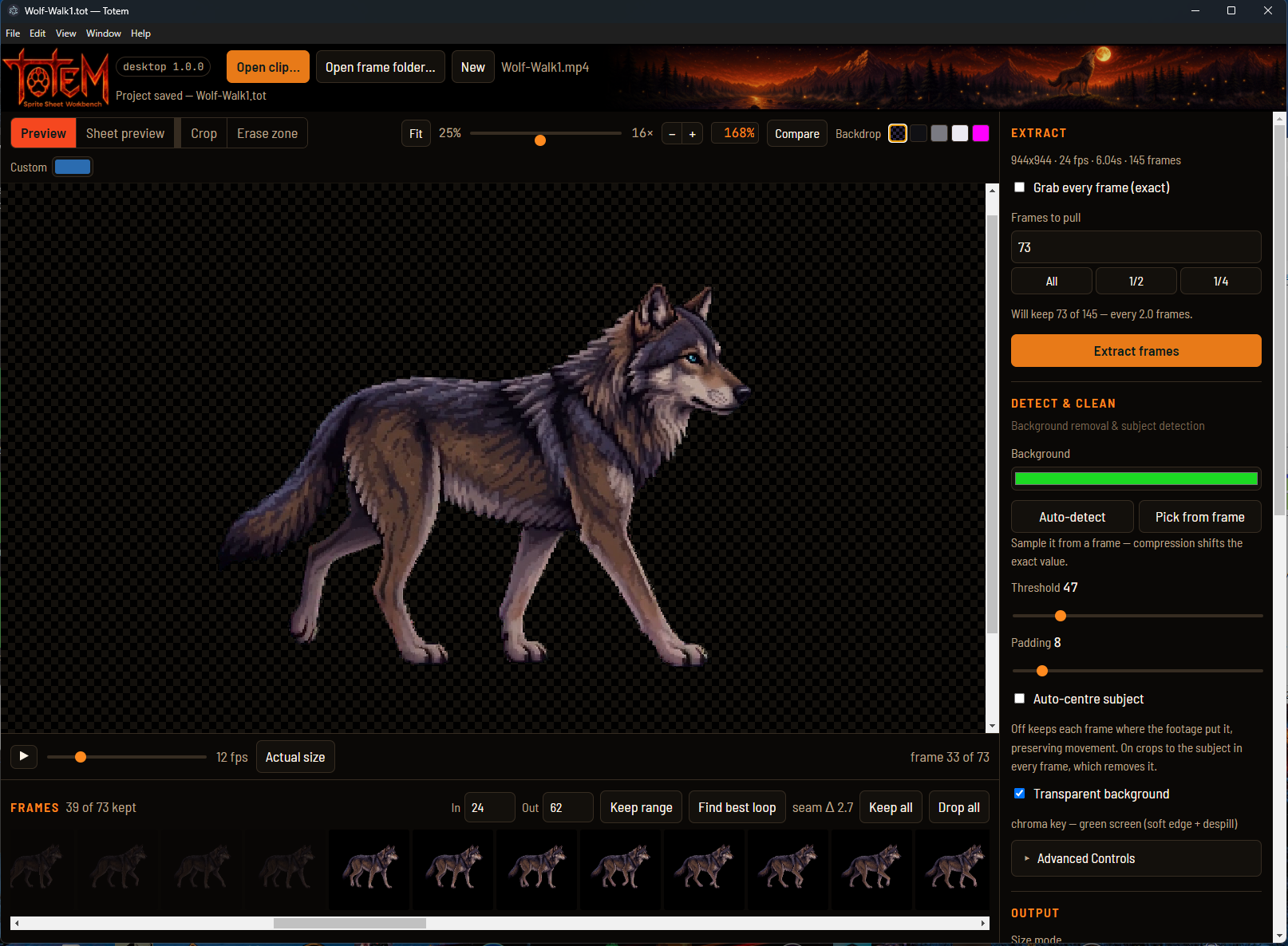
- Pull every frame, half, quarter, or a custom count
- Crop
Background removal
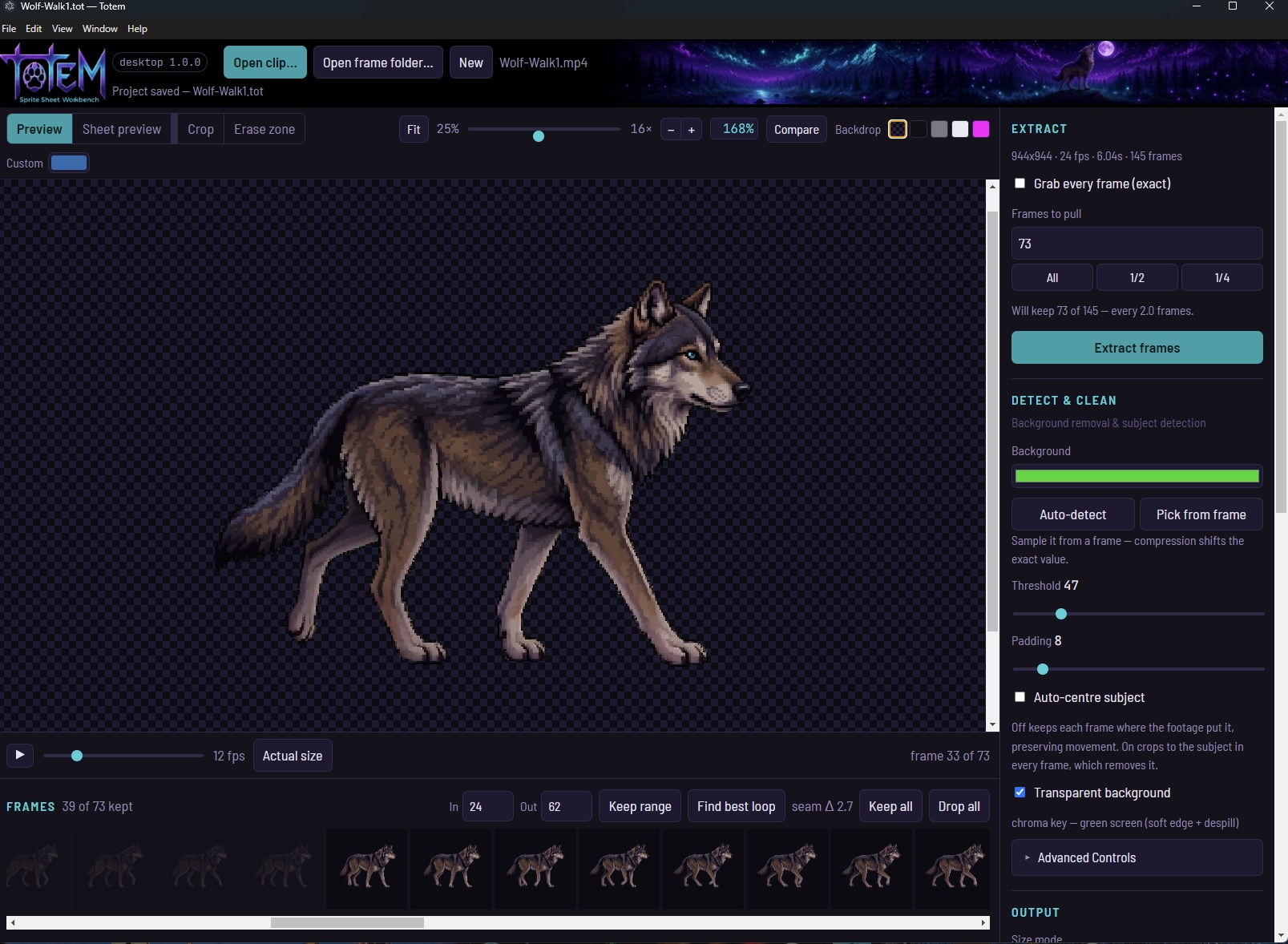
- Chroma key with soft edge and despill
- Auto-detect the background colour, or sample it from a frame
- Threshold, padding, optional auto-centre
- Erase zones for watermarks or anything else in shot
Works on any flat, distinct background colour. Green, blue and magenta key cleanest. Solid black works if your subject has enough rim light to separate from it. Keying runs on the GPU.
Getting the loop right
- Playback at your own fps
- Find best loop
- Keep or drop ranges
- Sheet preview before you export
The frame rate you pick is baked into the exported SpriteFrames. Take every second frame of 24fps footage and Totem sets 12, so it doesn't play back at double speed.
Sizing — any size you like
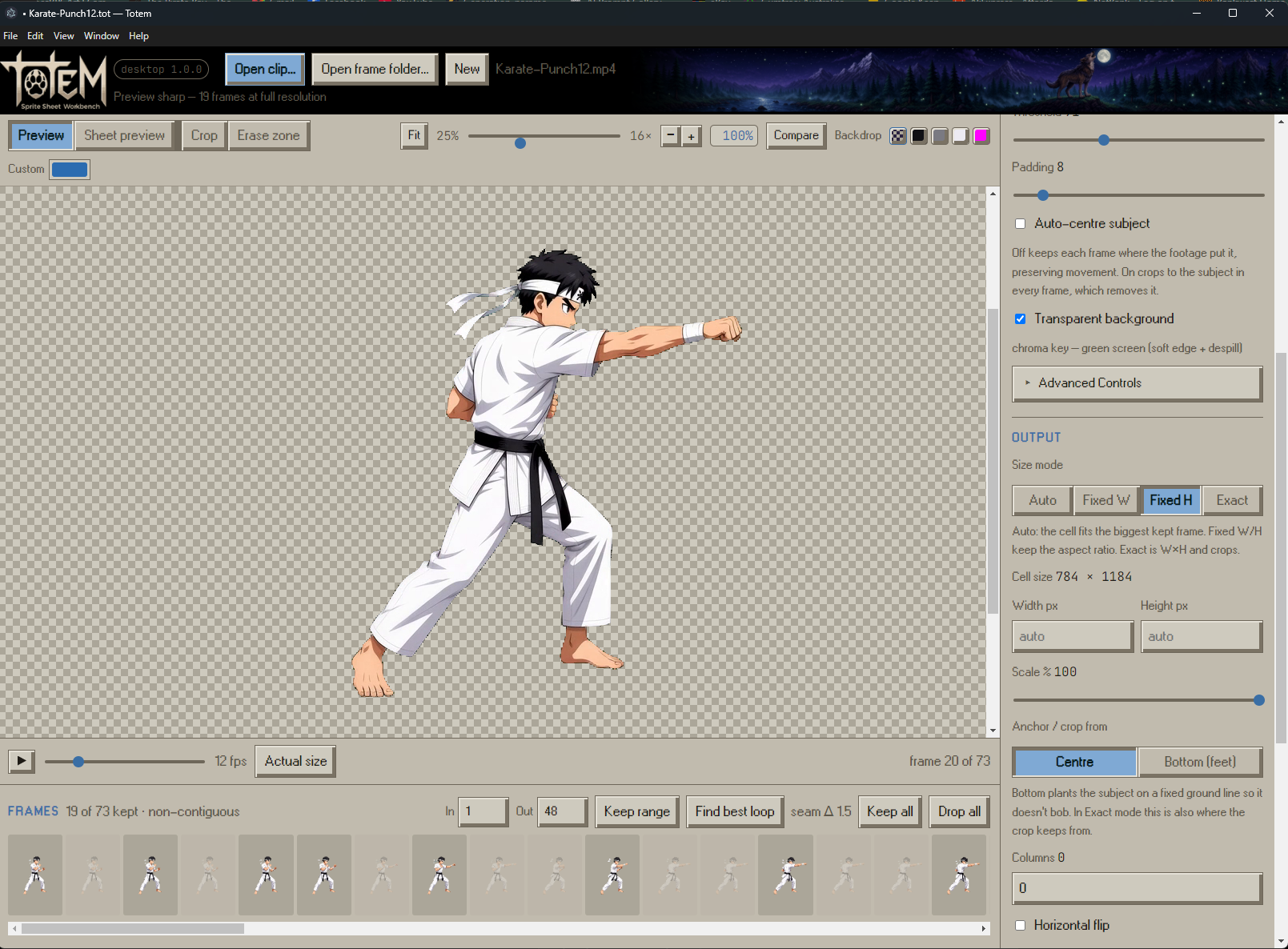
- Size mode: Auto, Fixed W, Fixed H, or Exact
- Width and height: exact numbers, 8px to 4096px
- Scale: 5% to 100% on top of that
- Anchor: centre in the cell, or plant on a ground line
- Columns: set by hand, or leave at 0 and Totem picks a grid that stays under your GPU's texture limit
Export
- PNG sprite sheet
- Godot SpriteFrames resource
- Godot plugin for importing inside your project
Five themes. Bone is the old-school workbench look. Also Totem, Ember, Moss, and Slate.
Everything runs on your machine. No account, no upload, no credits, no subscription.
Requirements
- Windows 10/11, macOS 10.15+ (separate Intel and Apple Silicon downloads), or Linux (AppImage, tested on Ubuntu 22.04)
- Godot 4.7 for the plugin and SpriteFrames resource
- ffmpeg, for video only — you don't have to install it yourself. Totem fetches it on first run if you don't already have one, into its own folder. No admin rights, no PATH change, no package manager. Frame folders need nothing at all.
An iPad version is in the works.
Before you install
Neither build is code-signed yet, so both operating systems will warn you once.
Windows: SmartScreen shows a warning — click More info, then Run anyway.
macOS: you'll be told macOS "could not verify Totem is free of malware". Go to System Settings → Privacy & Security → Open Anyway, once. No Terminal needed.
Purchase
In order to download this tool you must purchase it at or above the minimum price of $7.99 USD. You will get access to the following files:
Development log
- Totem — a video to sprite sheet workbench22 hours ago
Leave a comment
Log in with itch.io to leave a comment.